Clear task briefs
Task contracts
Every task defines scope, non-goals, tools, constraints, acceptance criteria, and approval rules before anyone starts.
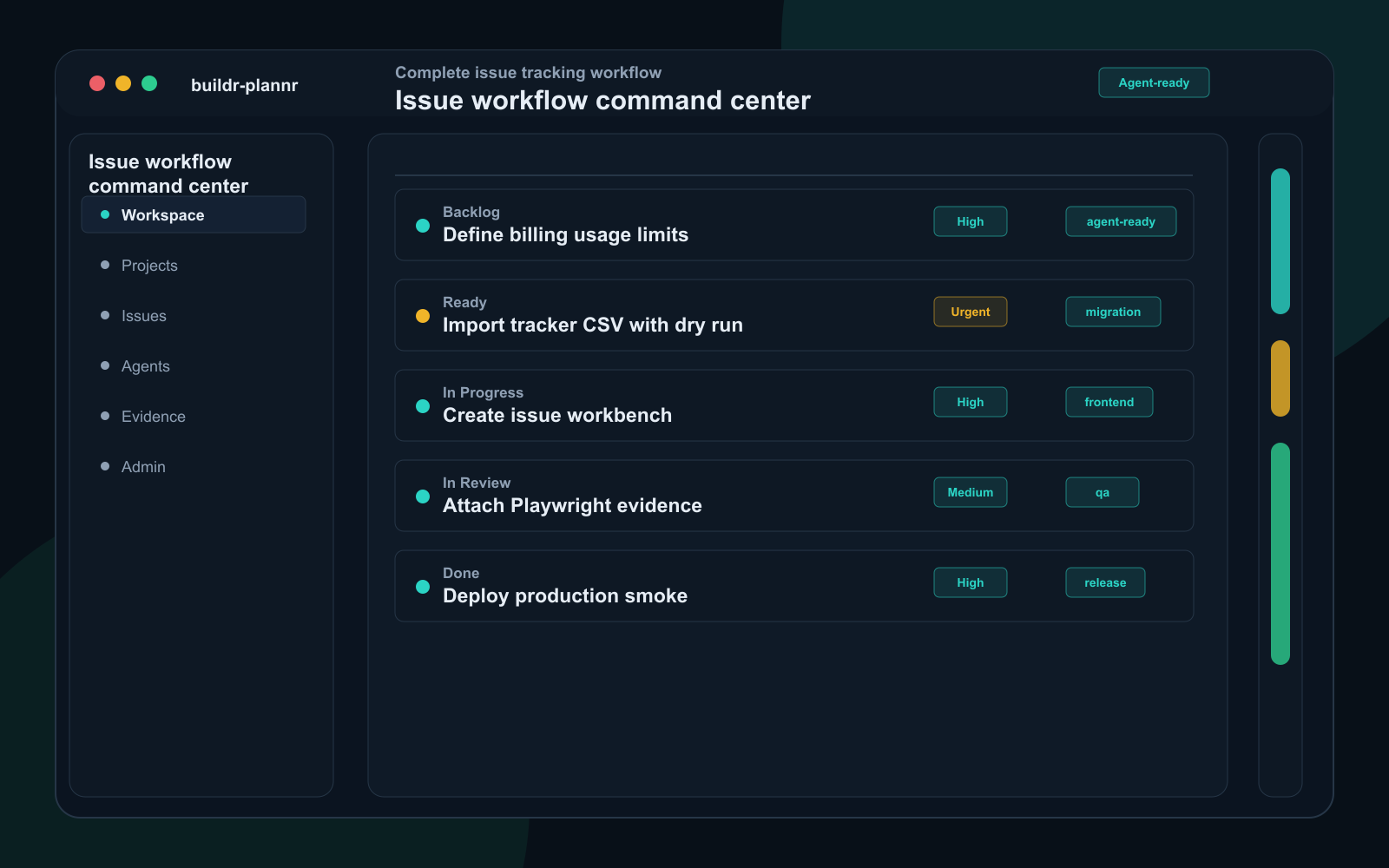
Human task tracking with agent execution control
Plan work like Linear. Govern it like a production system. Give agents the context, permissions, approvals, and evidence requirements they need to safely complete software tasks.
Jira, Azure DevOps, and Linear track work for humans. buildr-plannr prepares work so AI agents can safely execute it.
Start now
Create the workspace first, prove one real workflow, then open checkout after email verification.
Not sure yet? Run the 60-second fit check.
Why not Jira, Linear, or Azure DevOps?
A rough ticket can work for a human. An agent needs the exact goal, the files to read, what it may change, who must approve, and what proof counts as Done.
Get one real task running in 10 minutes.
Minute 1
Use free signup, create the workspace, and keep the default workflow for the first task.
Proof: No sales call, migration, or admin setup is required before the first useful task.
Minute 3
Add title, owner, status, expected completion date, tags, and the simplest useful view.
Proof: Users can start as a normal tracker before adding agent briefs or proof rules.
Minute 7
If an AI agent will touch code, data, environments, or customers, add scope, policy, approvals, and Done proof.
Proof: Admins tighten only risky work instead of forcing every task into a heavy workflow.
Why not Jira, Linear, or Azure DevOps?
Every risky task carries scope, files, allowed actions, approvals, run limits, and proof before Done.
Human trackersStore requests, comments, owners, status, and priority.
buildr-plannrAdds scope, files, allowed actions, approvals, run limits, and proof before Done.
Buy whenAgents will touch code, data, environments, customers, or production-facing tasks.
Buy when
Agents will touch code, data, tickets, or customers.
Pilot when
You need one real task and one safe handoff first.
Wait when
Work is human-only and your tracker already feels clear.
What agents need that trackers do not
Keep Jira, Linear, or Azure DevOps as records if needed. Use buildr-plannr when the work must be safe for AI execution.
Task contracts
Every task defines scope, non-goals, tools, constraints, acceptance criteria, and approval rules before anyone starts.
Context packs
Agents get the right files, docs, links, architecture notes, incidents, and prior decisions before execution.
Execution policy
Owners control what agents can do, where they can act, which tools they may use, and when approval is required.
Evidence-based Done
Work is not complete until tests, logs, screenshots, PRs, and risk notes are attached and accepted.
Agent queues
Ready work is prioritized by readiness, blockers, permissions, and run quota instead of status alone.
Commercial control
Usage limits, plans, billing, audit history, exports, and enterprise controls are built around agent work.
Why not Jira, Linear, or Azure DevOps?
A rough ticket can work for a human. An agent needs the exact goal, the files to read, what it may change, who must approve, and what proof counts as Done.
Get one real task running in 10 minutes.
Minute 1
Use free signup, create the workspace, and keep the default workflow for the first task.
Proof: No sales call, migration, or admin setup is required before the first useful task.
Minute 3
Add title, owner, status, expected completion date, tags, and the simplest useful view.
Proof: Users can start as a normal tracker before adding agent briefs or proof rules.
Minute 7
If an AI agent will touch code, data, environments, or customers, add scope, policy, approvals, and Done proof.
Proof: Admins tighten only risky work instead of forcing every task into a heavy workflow.
Why this beats a human-only tracker
Your current tracker stores requests. buildr-plannr turns each risky request into a clear brief with the right files, allowed actions, approval rules, run limits, and proof requirements before an AI agent touches code, data, or customer-impacting systems.
A ticket is a record. A safe agent task is an execution handoff with guardrails.
Clear task brief
Product term: Task contracts
Goal, non-goals, acceptance criteria, constraints, and owner approval are defined before work starts.
Files and docs
Product term: Context packs
Files, docs, links, architecture notes, and prior decisions are packaged for the agent.
Allowed actions
Product term: Execution policy
Admins decide which tools, repos, environments, data, and changes are permitted.
Proof before Done
Product term: Evidence-based Done
Done needs tests, logs, screenshots, PRs, risk notes, or reviewer acceptance attached.
Ready work queue
Product term: Agent queues
Humans and agents pick work by readiness, blockers, approvals, permissions, and run quota.
Agent run controls
Product term: Commercial control
Admins see who can run agents, how much they can use, what plans allow, and what needs approval.
The simple purchase test
If agents will touch work, buy the system that prepares the work before execution and proves it before Done.
| Instead of | buildr-plannr gives you | So agents can safely |
|---|---|---|
| Jira tickets with vague requirements | Clear agent task briefsProduct term: Task contractsEach task says the goal, non-goals, allowed tools, approvals, and checks. | Know scope, non-goals, tools, constraints, approvals, and acceptance checks before they start. |
| Linear issues optimized for humans | Queues for humans and agentsProduct term: Agent queuesReady, unblocked, permitted work rises above status-only sorting. | Pick ready work by files, blockers, permissions, quota, and proof status. |
| Azure DevOps process-heavy workflows | Light rules plus proofProduct term: Execution policyAdd rules and evidence only where the work creates delivery risk. | Move fast while sensitive actions still require rules, approval, and proof. |
| Comments scattered across issues | Files, docs, decisions, and approvals in one placeProduct term: Context packsFiles, docs, links, decisions, and approvals travel with the task. | Start with the right files, docs, links, decisions, and approvals. |
| Agent usage hidden in tool accounts | Agent run and billing controlsProduct term: Commercial controlPlans, run limits, approvals, and billing match actual agent usage. | Know who can run agents, how much they can use, and what needs approval before rollout. |
| "Done" as a status | "Done" backed by proofProduct term: Evidence-based DoneCompletion requires tests, logs, screenshots, PRs, or reviewer proof. | Attach tests, logs, screenshots, PRs, risk notes, or reviewer proof before acceptance. |
Need the longer Jira, Linear, and Azure DevOps breakdown? Keep the homepage decision simple, then use the knowledgebase for source-backed migration and comparison details.
Read the full comparisonReal product proof
This is not a concept mockup. The walkthrough is assembled from authenticated buildr-plannr screens: command center, list view, tag buckets, ready work queue, admin controls, MCP setup, and diagnostics.
Title-only create form with optional details closed by default.
Try first taskCards, List, tag buckets, and swimlanes read from the same task data.
See quickstartClear briefs, files and docs, allowed tools, approvals, quota, and proof before Done.
Connect agentsActual app walkthrough
Seven real screens in one short tour.
Should we buy this?
If agents will execute software work, choose or pilot buildr-plannr. If all work stays human-only, keep your current tracker until the handoff risk appears.
AI agents will touch code, data, environments, or customers.
Use buildr-plannr to give every agent task clear instructions, allowed actions, approvals, limits, and proof before Done.
Create first taskYou need proof before moving a team.
Create one workspace, add one real task, customize one workflow, and check the first handoff in ten minutes.
Open quickstartAll work is human-only and your process is already clear.
Jira, Linear, or Azure DevOps may be enough until agents need scoped instructions, permissions, quota, and proof-backed completion.
Compare pricingChoose your first click
A buyer should not need to decode every feature. Pick the path that matches the job you need done today, then use the deeper proof sections only if the first path fits.
User
Start free and add one real task before choosing heavier controls.
Start trackingAdmin
Review admin setup and confirm the workspace works without a setup project.
Review admin setupAgent operator
Read MCP setup and prove the first task has files, allowed actions, approvals, and proof.
Connect agent toolsChoose the simplest useful setup
buildr-plannr should not force every team into the same method. Pick the mode that matches today's work, then turn on stricter workflow, admin, or agent controls when they create value.
Simple task tracker
Small teams that want tasks, owners, status, tags, due dates, comments, and a clean Cards or List view before adding process.
Start with
Add later
Good when: A teammate can open the workspace, understand the next action, and update work without training.
Start as a trackerCustom team workflow
Admins who need custom swimlanes, terminology, roles, permissions, reminder rules, proof rules, imports, and billing controls from day one.
Start with
Add later
Good when: The admin can explain who may do what, when approval is needed, and what Done means before inviting the team.
Review admin controlsAgent execution system
Teams using Codex, Claude Code, Cursor, Cowork, or other MCP-capable tools to pick up scoped software tasks.
Start with
Add later
Good when: An agent can claim only ready work, act within policy, and return reviewable evidence before Done.
Prepare agent workChoose your first path
buildr-plannr should be obvious before a sales call: users track useful work, admins control the operating model, and agent operators send safe executable tasks to tools that support MCP.
Day-one confidence
95/100
Ready for self-serve evaluation: a new user, admin, or agent operator can each reach a useful day-one result without a setup project.
3 paths - fastest setup 10 minutes
New user
Yes. Start with tasks, tags, status, owner, priority, and expected completion date before adding agent controls.
Admin
Yes. Configure language, roles, reminders, Done rules, billing, audit, and MCP access from the app.
Agent operator
Yes. Agents get a clear brief, trusted files, allowed actions, approvals, run quota, and required proof through MCP.
Detailed proof
The homepage keeps the buying decision short first. This section holds the deeper product walkthrough, real app screens, media, and licence-confidence proof.
Why this is not just another task tracker
Jira, Azure DevOps, and Linear are strong systems of record for human work. buildr-plannr adds the execution layer agents need before they can touch code, data, environments, or customers.
Product term: Task contracts
Every task defines scope, non-goals, tools, constraints, acceptance criteria, and approval rules before anyone starts.
Product term: Context packs
Agents get the right files, docs, links, architecture notes, incidents, and prior decisions before execution.
Product term: Execution policy
Owners control what agents can do, where they can act, which tools they may use, and when approval is required.
Product term: Evidence-based Done
Work is not complete until tests, logs, screenshots, PRs, and risk notes are attached and accepted.
Product term: Agent queues
Ready work is prioritized by readiness, blockers, permissions, and run quota instead of status alone.
Product term: Commercial control
Usage limits, plans, billing, audit history, exports, and enterprise controls are built around agent work.
12
Ready now
Briefs complete and unblocked
4
Needs files
Missing docs, repo hints, or decisions
3
Needs approval
Waiting for human review before mutation
7
Needs proof
Proof required before Done
What you get on day one
You can run a simple task workspace, a ready work queue with approvals and proof, or both in the same workspace.
For users
Create tasks, add tags and statuses, switch between Cards, List, and tag buckets, then add swimlanes when the work needs structure.
For admins
Configure swimlanes, roles, permissions, reminders, approval rules, agent scopes, and proof requirements without an implementation project.
For agents
Agents receive the goal, scope, files, docs, allowed tools, blocked actions, verification commands, and proof required before Done.
Typical tracker ticket
Agent action: blocked until a human rewrites the work.
buildr-plannr clear task brief
Agent action: safe to claim after approval and quota checks pass.
Admin control without extra setup support
The product should not force a methodology. Admins decide how work flows, which controls apply, and how strict the handoff needs to be.
Create the statuses and swimlanes your team actually uses: backlog, triage, in progress, review, blocked, done, or your own language.
Use Cards, List, tag buckets, and swimlane/status buckets with saved filters for owner, due date, readiness, priority, and agent state.
Give admins, members, viewers, and agent identities different access without handing over the whole workspace.
Warn when work has no owner, no expected completion date, stale status, missing proof, or unresolved approval.
Control which tools agents can use, when humans must approve, and which actions require proof before acceptance.
Manage plans, run limits, API access, exports, audit history, billing signals, and enterprise admin controls from the same product.
Real product screens
The generated media tells the story, but these are captured from the authenticated product: the planner, list and tag views, ready work queues, the admin control center, remote MCP setup, and operational diagnostics.
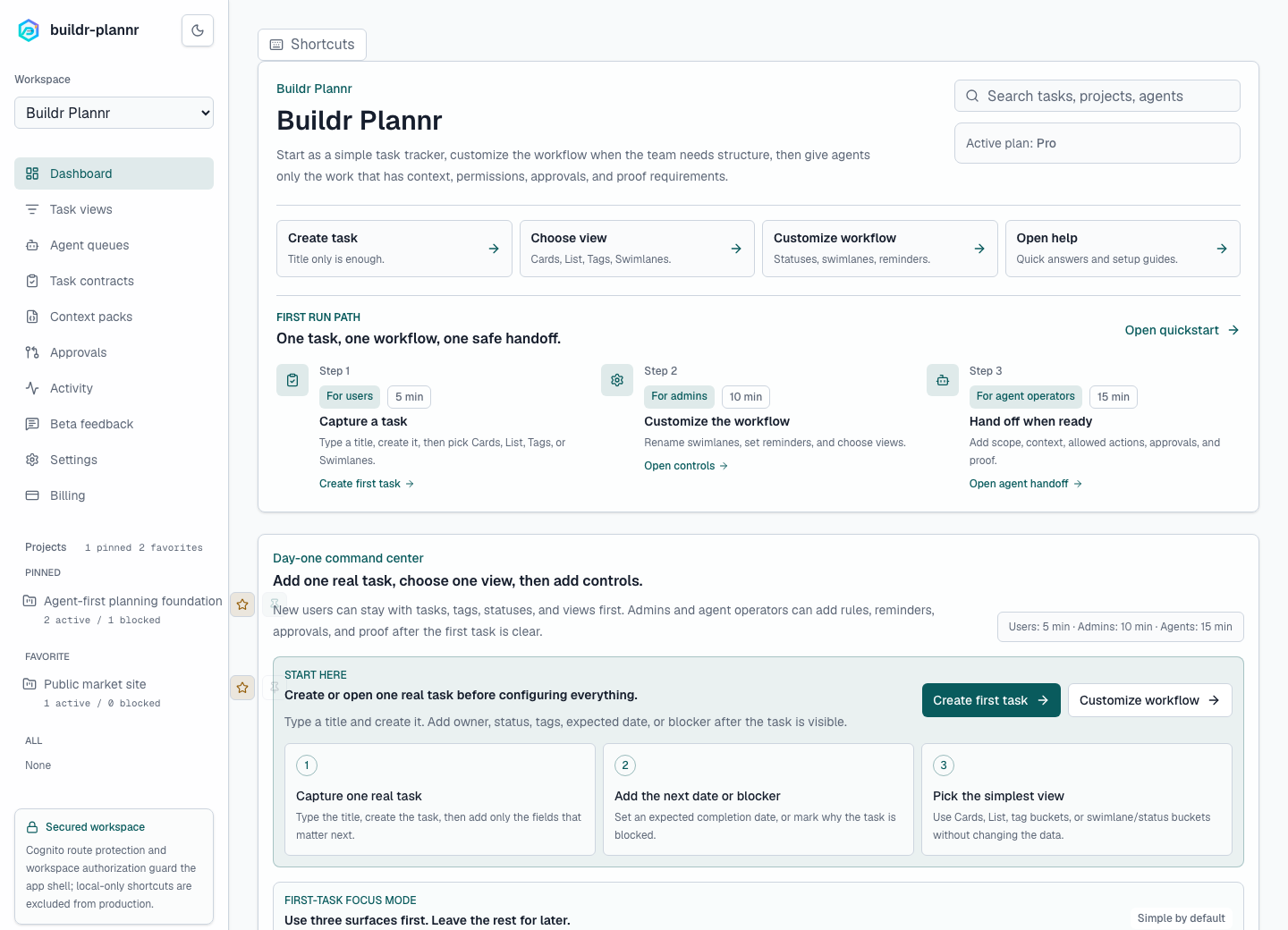
Actual app screen
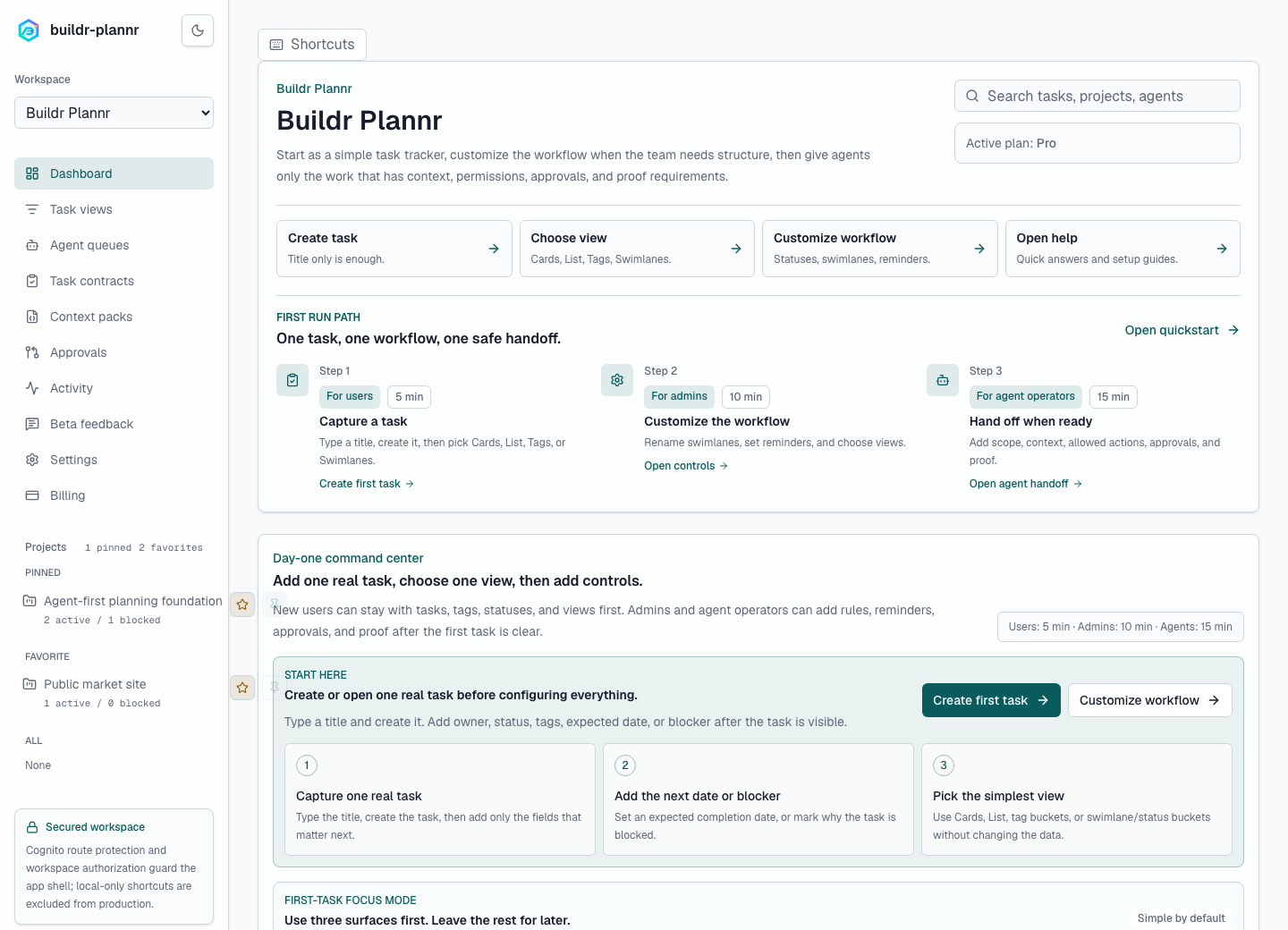
A new workspace starts with the user, admin, and agent paths visible: simple task capture, operating-model setup, and safe agent handoff.
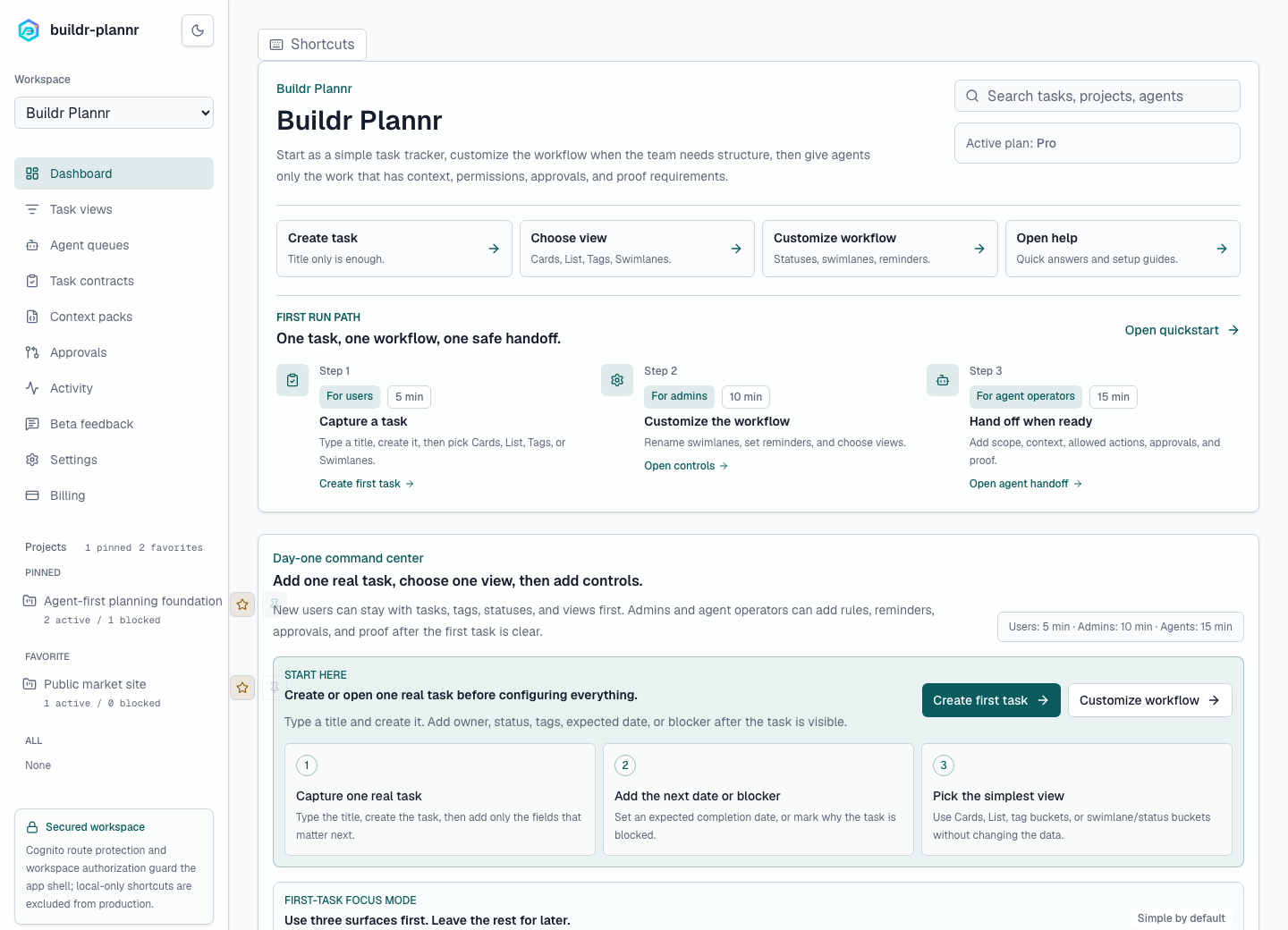
Actual app screen
Users can keep the first task flow simple: owner-visible rows with status, custom fields, tags, expected completion date, and logged-versus-estimated time.
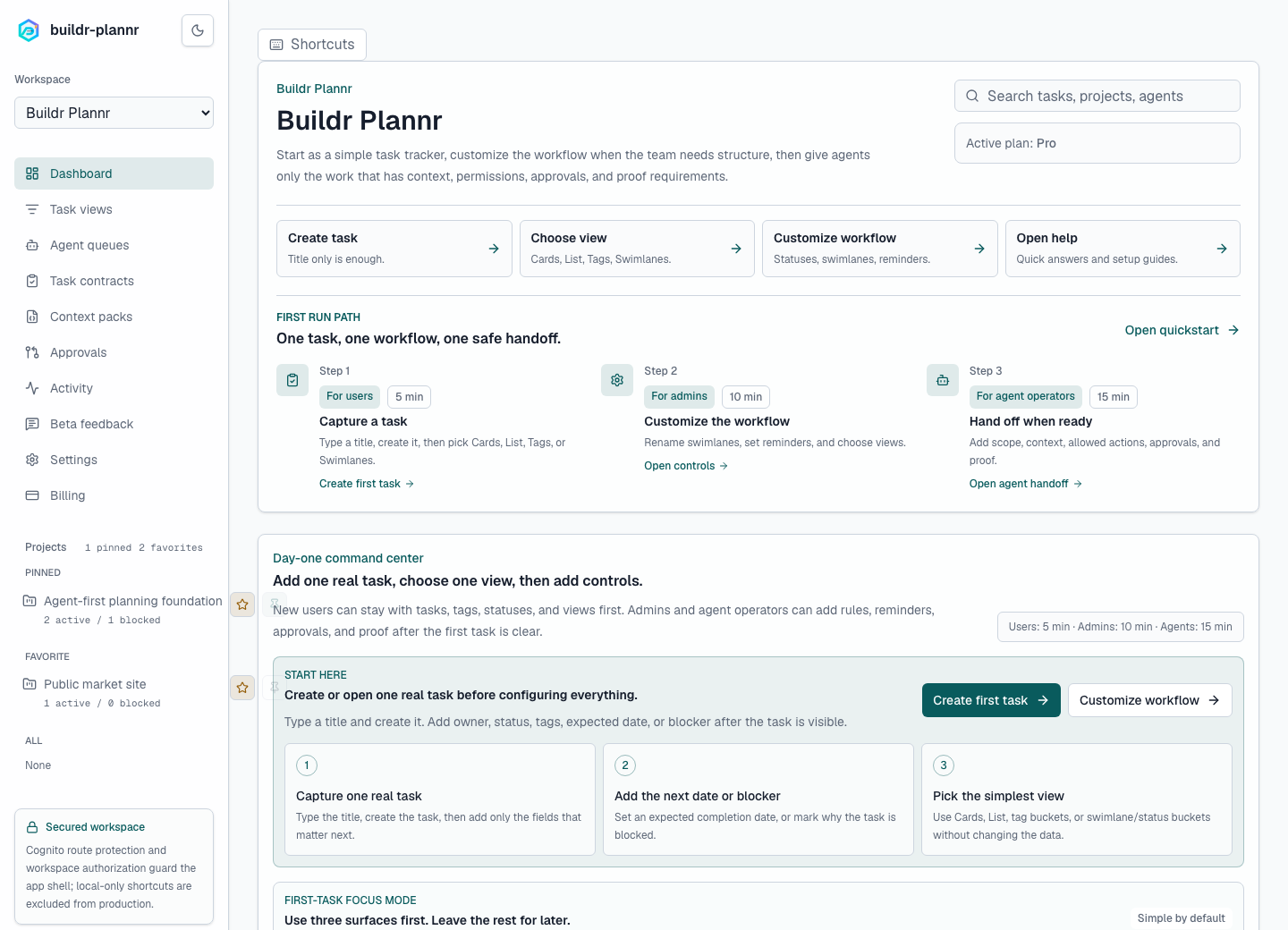
Actual app screen
Teams that do not want heavy process can work from tag buckets first, then add saved views, custom swimlanes, and agent controls only where needed.
Actual app screen
When a task is ready for an AI agent, the queue checks the brief, files, allowed actions, blockers, quota, and proof before work starts.
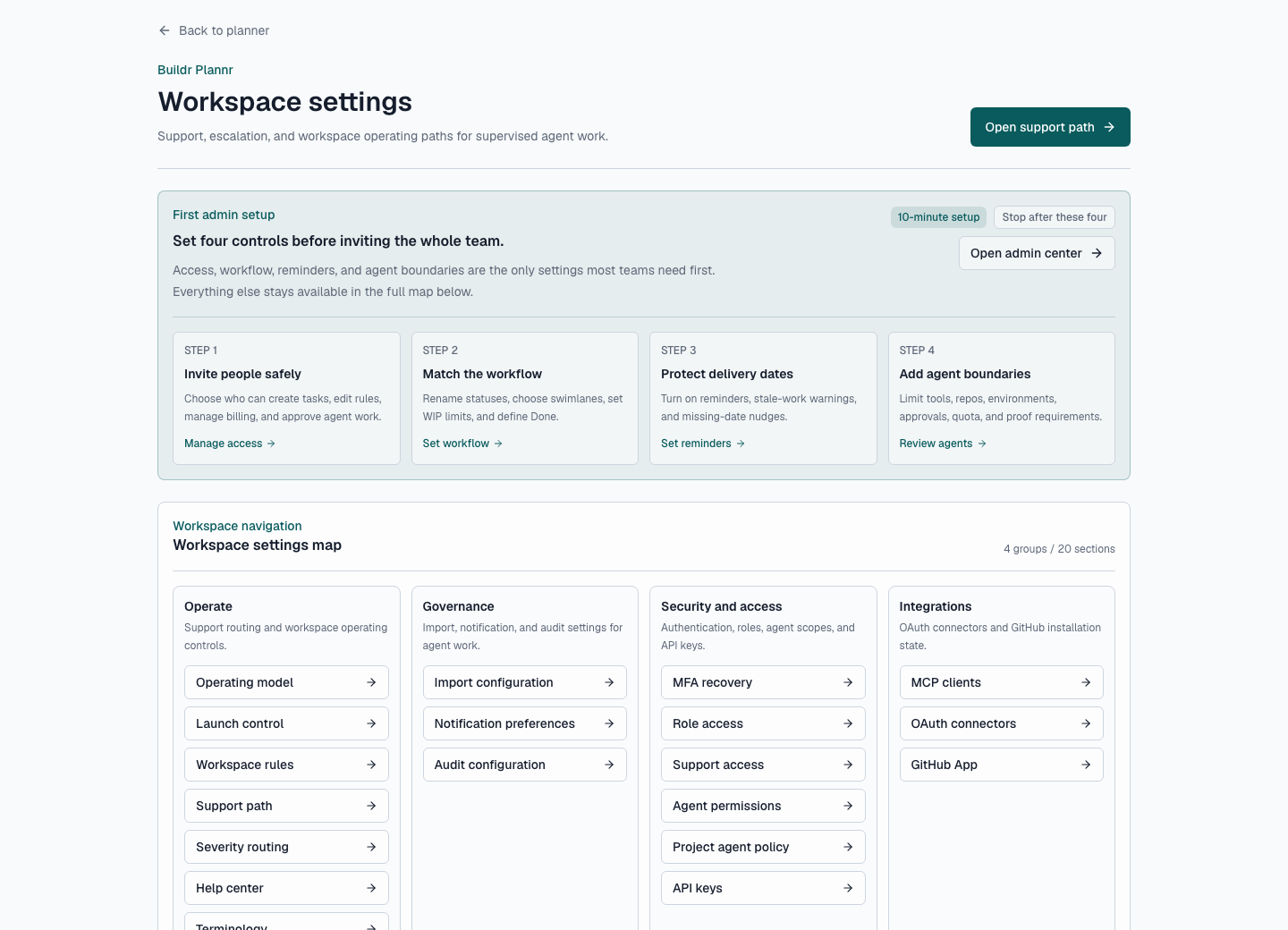
Actual app screen
Admins get one place for operating model, launch control, workspace rules, role access, agent permissions, API keys, MCP clients, and integrations.
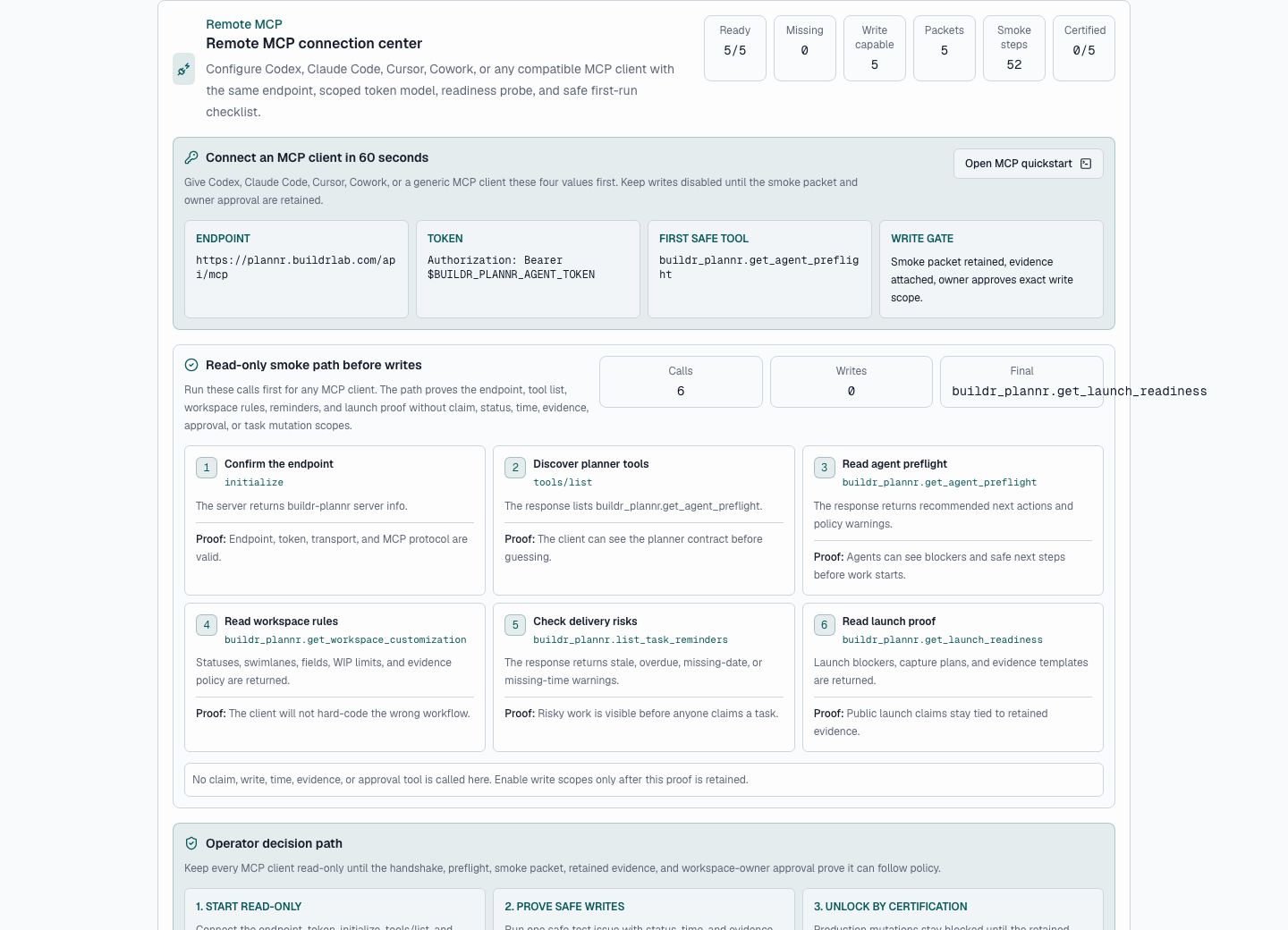
Actual app screen
Codex, Claude Code, Cursor, Cowork, and generic MCP clients get endpoint setup, read-only smoke calls, launch proof, reminders, and write gates before production mutations.
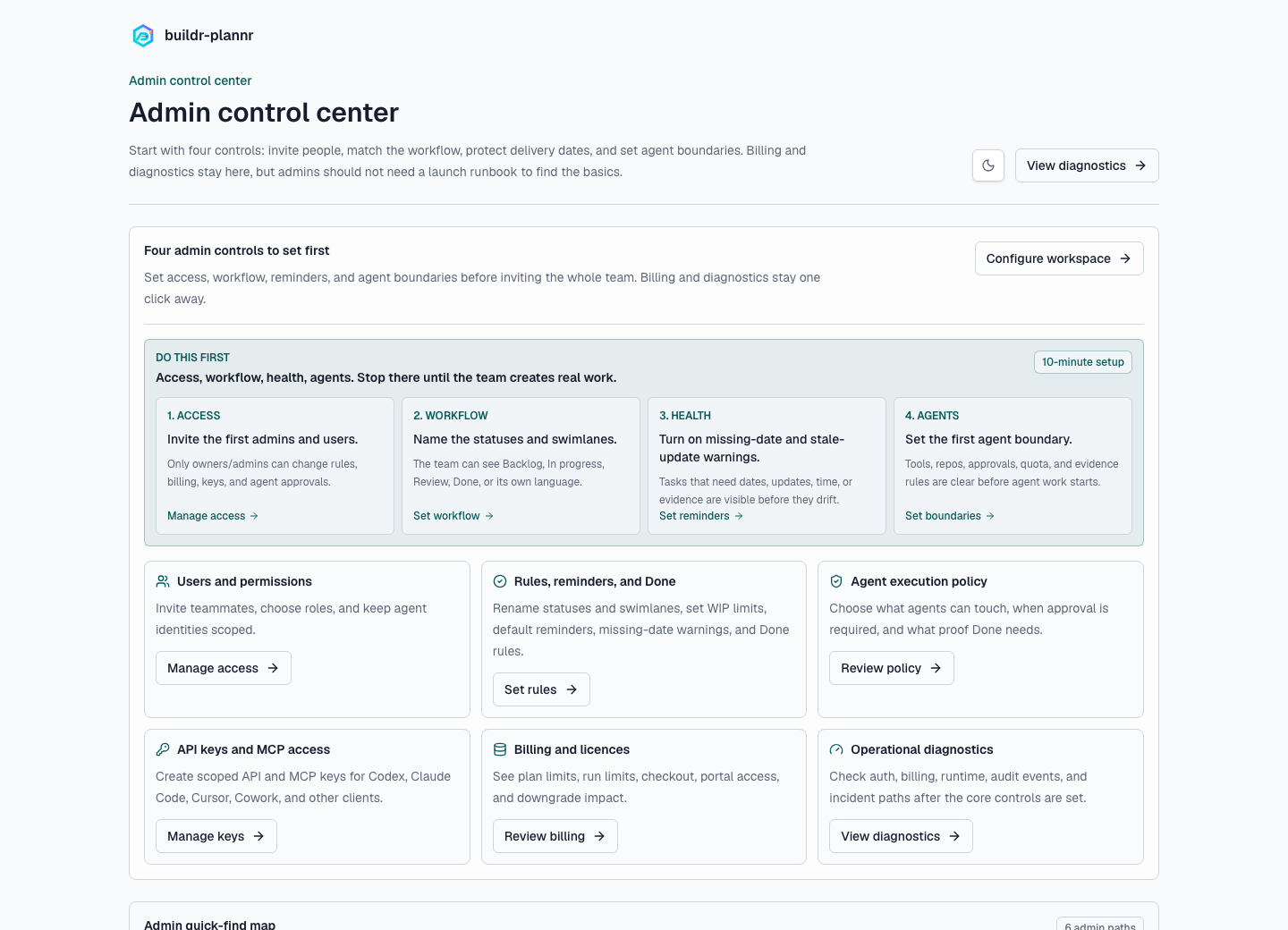
Actual app screen
Owners and admins can see app health, configuration warnings, runtime state, task counts, and support runbooks without leaving the product.
Actual product media
The primary video is assembled from authenticated product screens. The supporting media then explains the broader workflow: human planning, issue movement, agent handoff, governance, proof, migration, billing, and operations.
Actual app walkthrough
A short walkthrough built from real authenticated product screens: planner command center, list view, tag buckets, agent queue, admin controls, remote MCP setup, and diagnostics.
Issue tracking
Showcases issue creation, status movement, priority, labels, stage columns, comments, and blocker visibility.
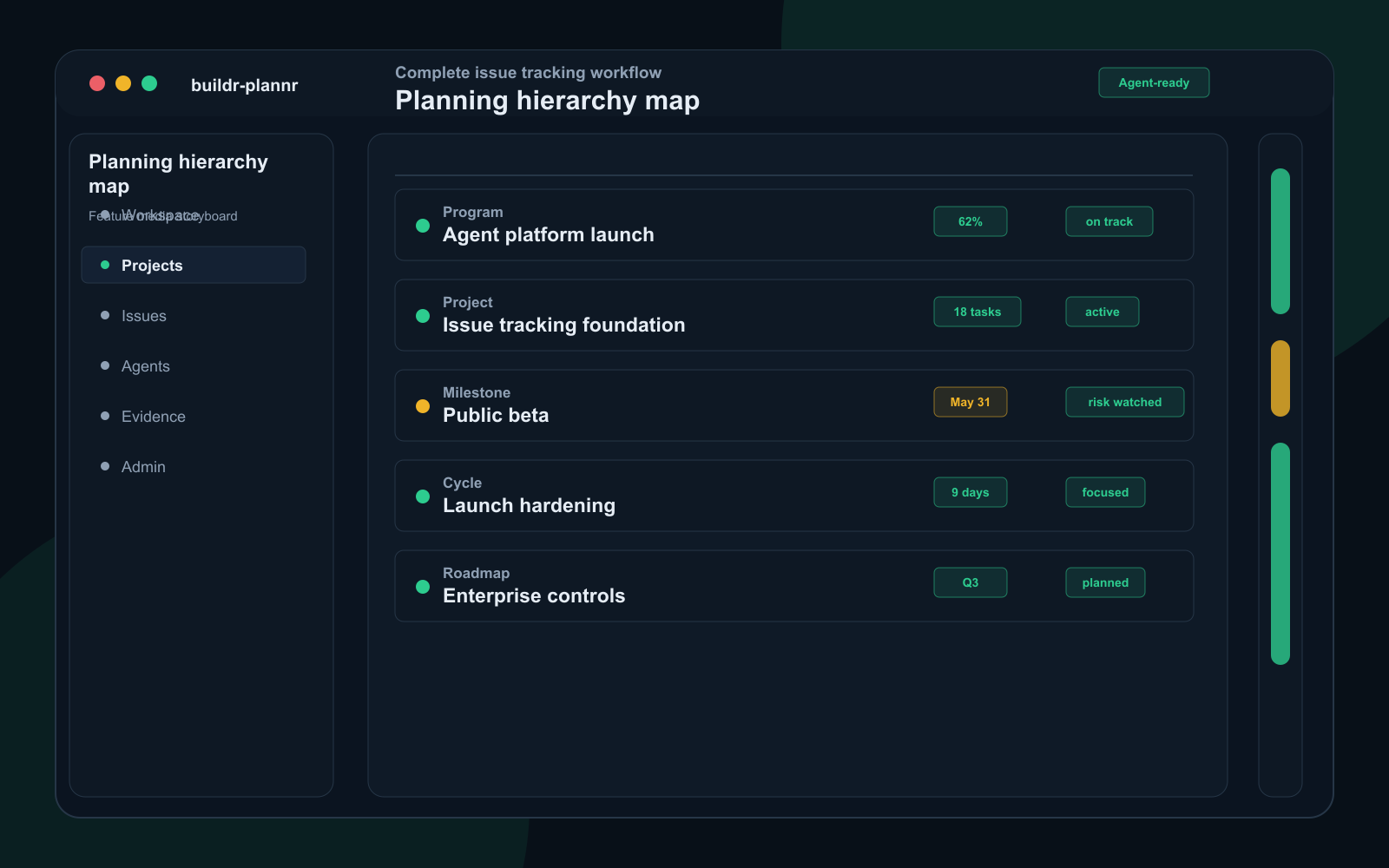
Planning model
Positions buildr-plannr as the structured workspace for project hierarchy, cycle planning, dependencies, risks, and roadmap views.
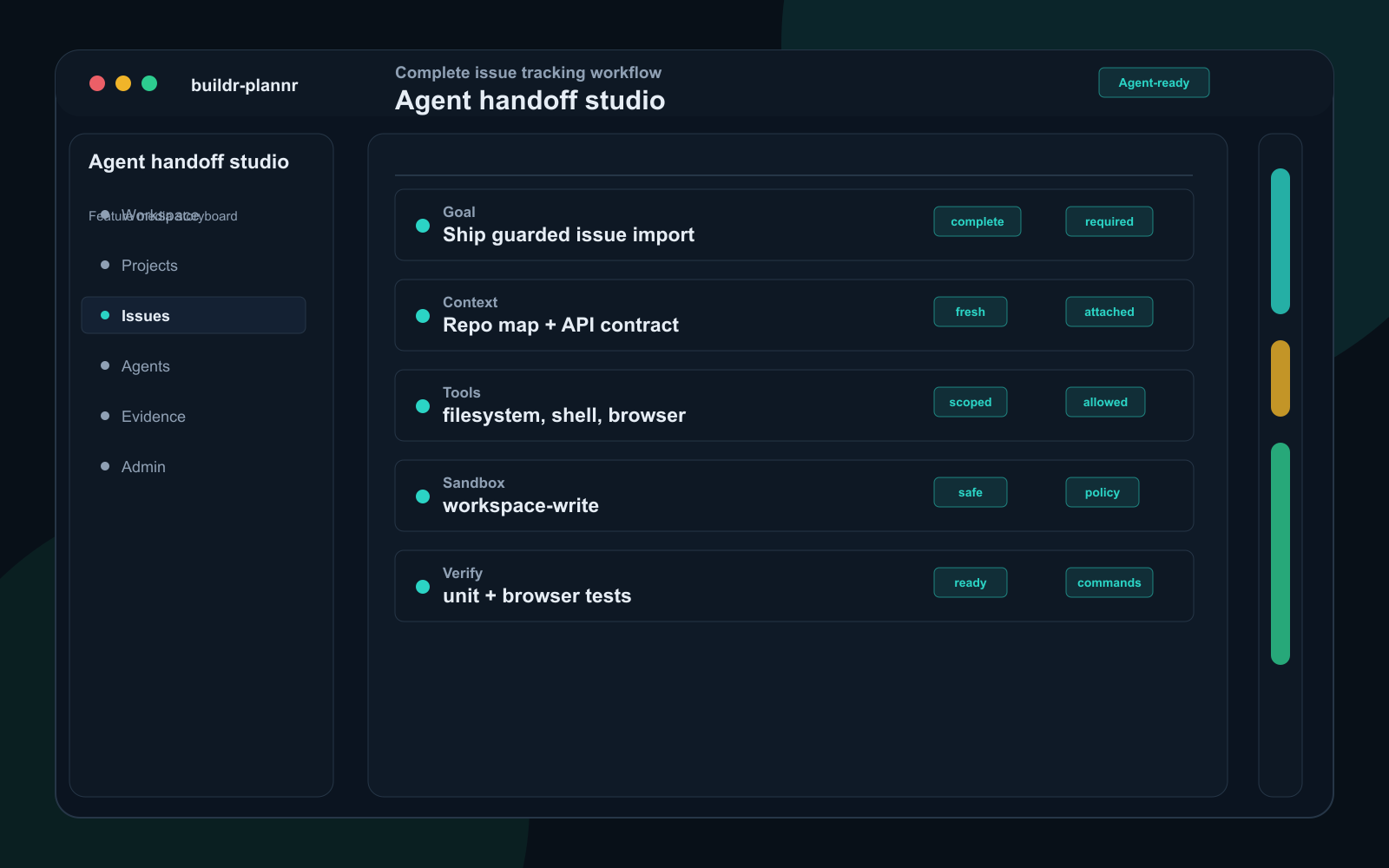
Agent handoff
Shows how a human turns intent into safe agent work with scope, non-goals, constraints, files, docs, allowed actions, and verification commands.
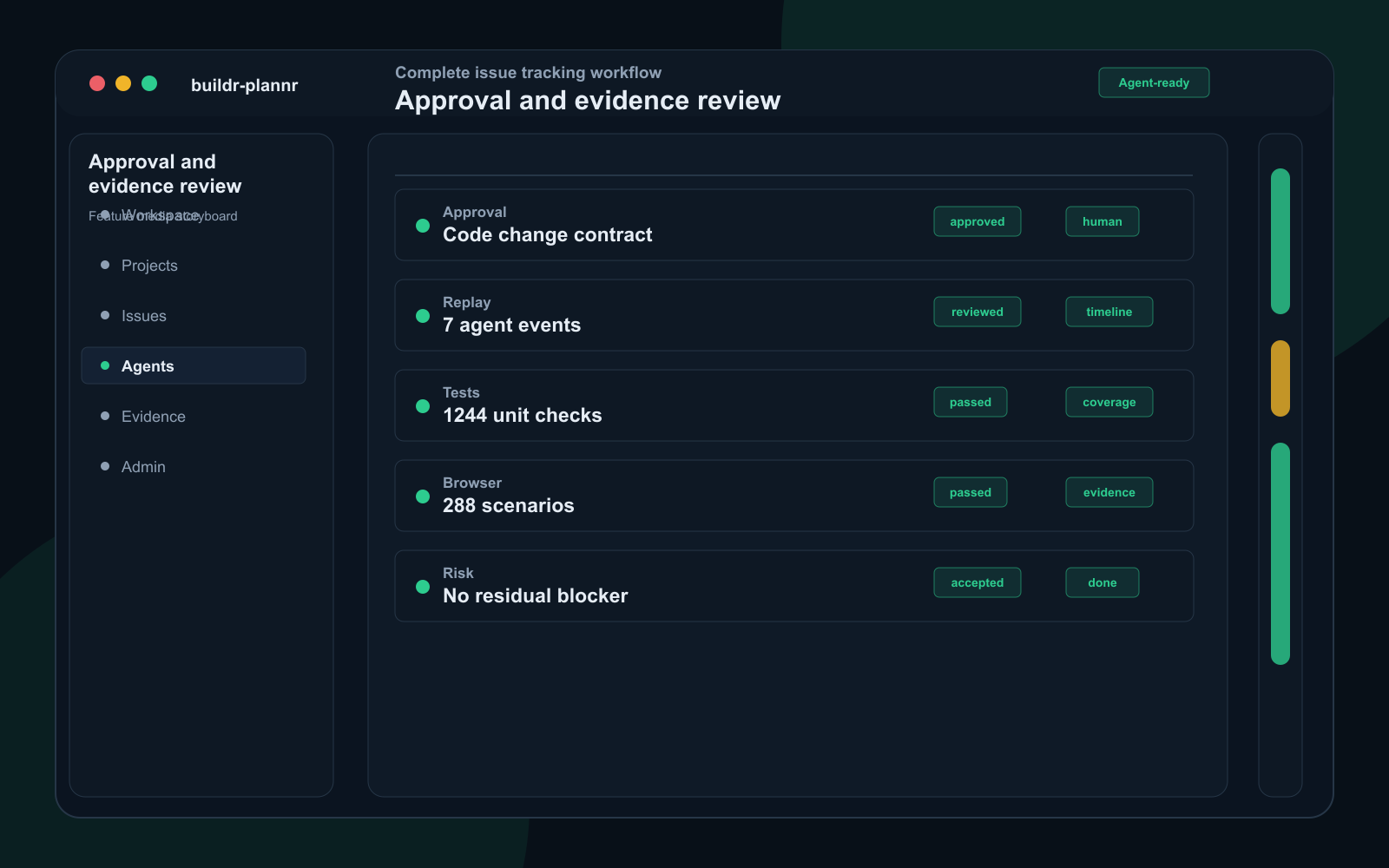
Governance
Explains the human control loop: approval gates, run replay, outcome evidence, residual risk, and acceptance criteria before Done.
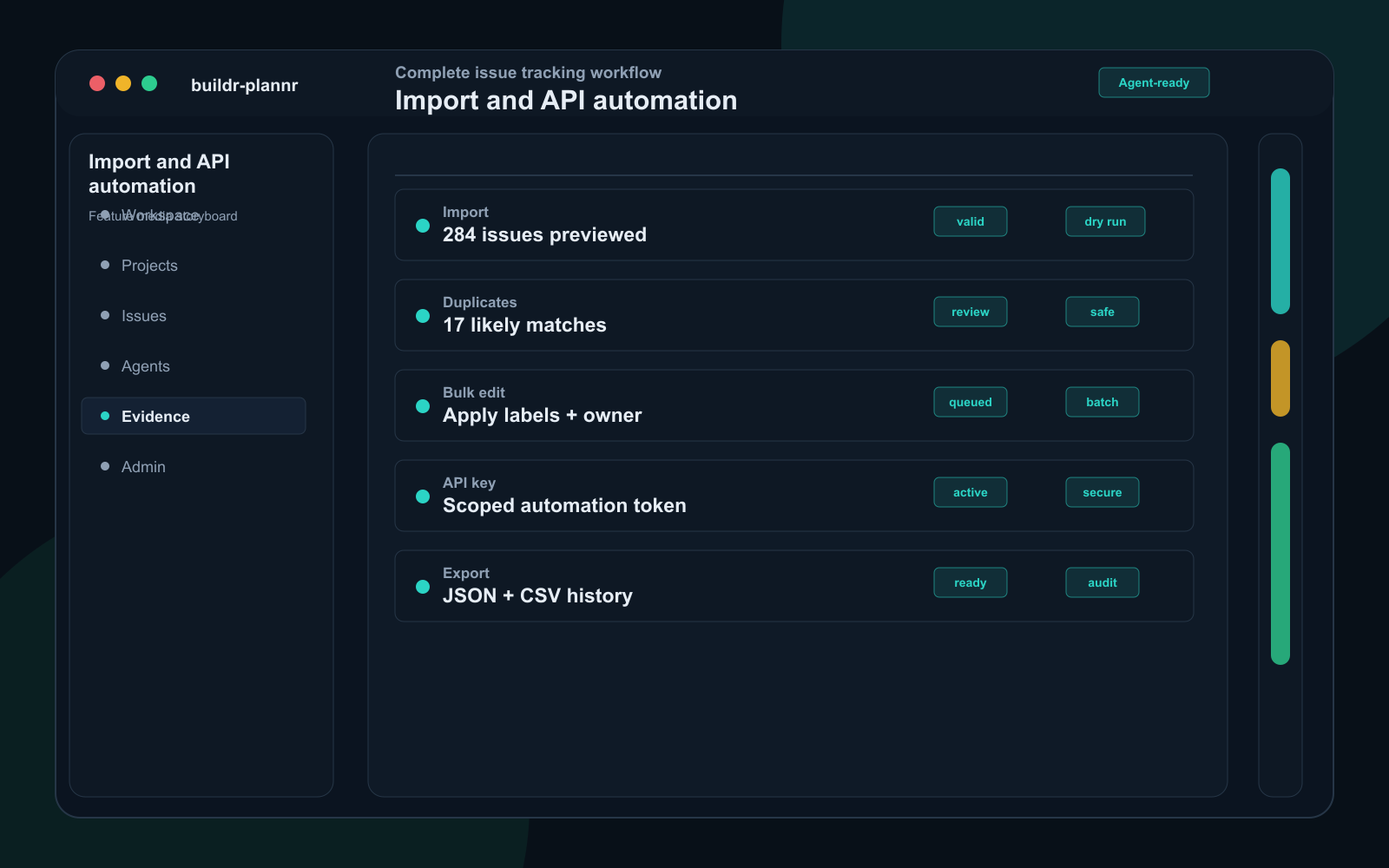
Migration and API
Highlights migration support, dry-run diffs, duplicate detection, bulk edits, API keys, and safe automation endpoints.
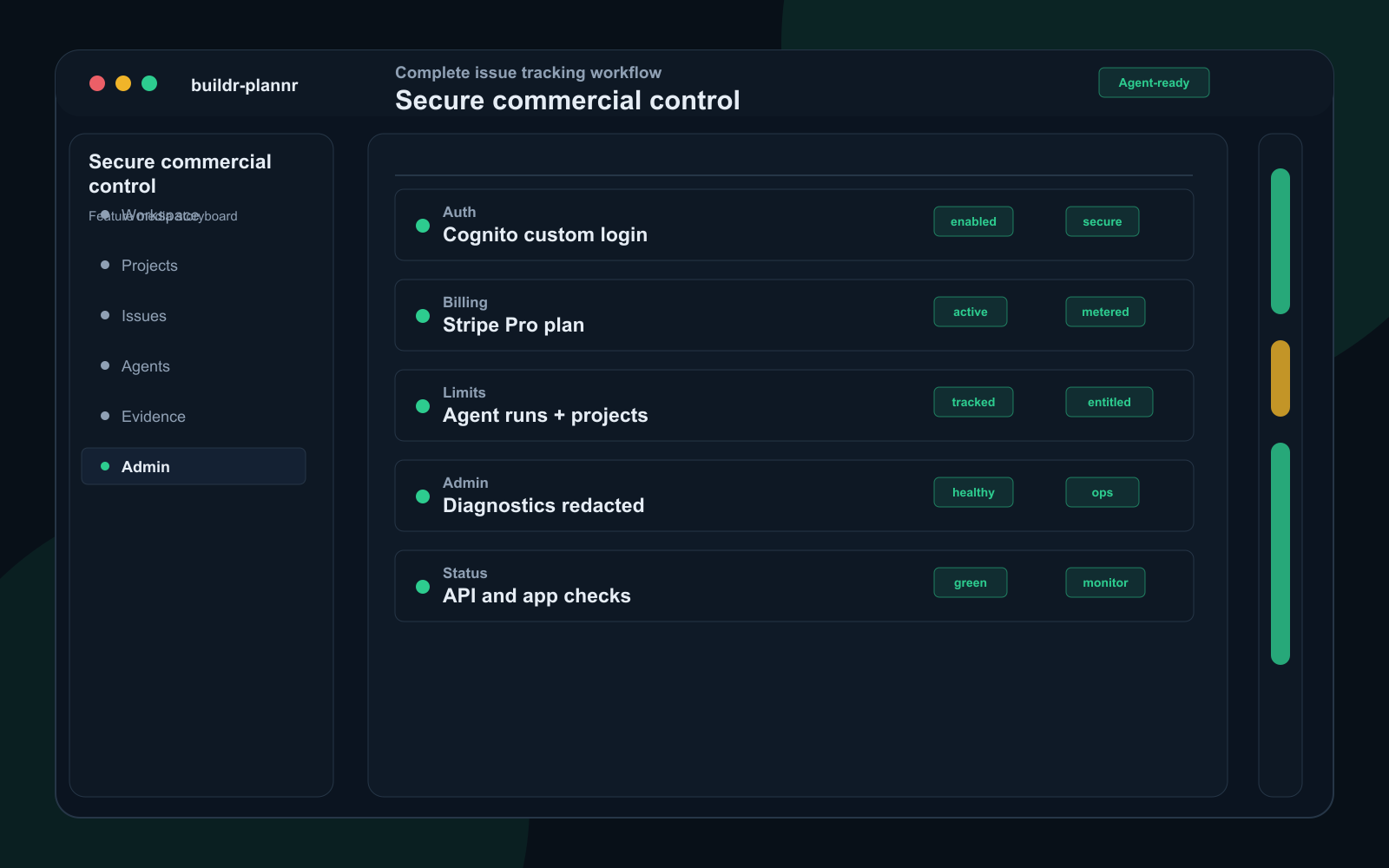
SaaS operations
Covers the commercial and operational surface: secured app access, subscriptions, plan entitlements, admin diagnostics, security posture, and status monitoring.
Built for flexible planning and safe automation
Use it as a straightforward task tracker, then add approval rules, proof, and MCP access when agent work becomes part of the delivery system.
Use a lightweight bucket of tagged work or a stricter workflow with custom swimlanes, due dates, priorities, comments, and proof.
Generate Markdown or JSON bundles with dependencies, linked docs, activity, repo hints, and environment notes.
Separate ready work from missing-context, blocked, needs-decision, needs-credentials, and verification states.
Require review for sensitive agent actions such as live task edits, exports, dependency changes, and scheduled runs.
Require commands, tests, screenshots, logs, PR links, coverage deltas, and residual risks before accepting completed work.
Use named agents, scoped tokens, metered runs, audit trails, and tiered limits to keep automation controlled.
Expose ready work, scoped task creation, files and docs, status updates, comments, time logging, proof, and approvals to MCP-capable clients.
Fast path to value
The product should feel obvious before anyone talks to sales: start small, customize the workspace, add work, then decide how much approval and proof each task needs.
Start free, name the workspace, invite teammates, and choose a simple default workflow.
Rename swimlanes, set permissions, decide reminder rules, and define what Done means before work scales.
Use a simple List, Cards, tag buckets, or a safe task brief depending on how much structure each item needs.
Humans keep control of decisions and approvals while agents receive scoped tasks and return proof.
Licence confidence
Buyers can prove value, migration safety, checkout timing, and security review paths before committing to a paid plan.
Yes. Start free, create or import one real task, and confirm the workflow fits before checkout.
Start freeNo. Plan selection is preserved during signup, but Stripe checkout starts from the secured billing screen after the workspace exists.
Billing guideProduction signup must prove clean, /health must show safe auth health for the release, checkout must be configured, and required admin review must be complete before paid purchase opens.
Verify billingYes. Imports start with dry-run previews, mapping rules, validation errors, rollback proof, and export paths before data is committed.
Migration guideYes. Public trust material covers security posture, DPA, subprocessors, privacy, support, enterprise review, and agent boundaries.
Security whitepaperStart with a free workspace or open the quick start to see the first workflow end to end.